
What maintenance schedule prevents downtime on a FLATBED UV PRINTER?
A downtime-prevention maintenance schedule for the FLATBED UV PRINTER should center on pre-run inspection, in-process monitoring, and recurring checks of media feeding, ink-mist control, LED lighting, heating, software, and printing functions. The NC-UV1600 data does not specify calendar intervals, so operators should follow the user manual and use online, video-call, or remote-control support for unresolved equipment issues.
Core Solutions & Key Takeaways
- Before production, verify the media feed rollers, software-controlled pressure adjustment, lighting, heating, and printing controls.
- During printing, monitor media feeding, image output, lightbox preview, and possible static-induced ink misting.
- After production, review output status and ink consumption data to identify irregularities before the next order.
- Use the user manual, installation video, spare-part change video, online support, video calls, or remote control when an issue cannot be resolved by the operator.
Detailed Architectural/Principle Analysis
The NC-UV1600 is an indoor and outdoor large-format inkjet printer with a 1.6-meter printing width. Its maintenance focus should reflect the equipment features that affect print stability: the media feed roller system, pressure adjustment, LED lighting, heating, software, and integrated control panel.
The media feed rollers use an integrated mold design and software-controlled pressure adjustment. This arrangement is intended to prevent static-induced ink misting, support uniform media feeding, maintain stable dimensions, and preserve precision during long-term operation. A pre-run check should confirm that the feed path and pressure-control functions operate correctly before a large or urgent order begins.
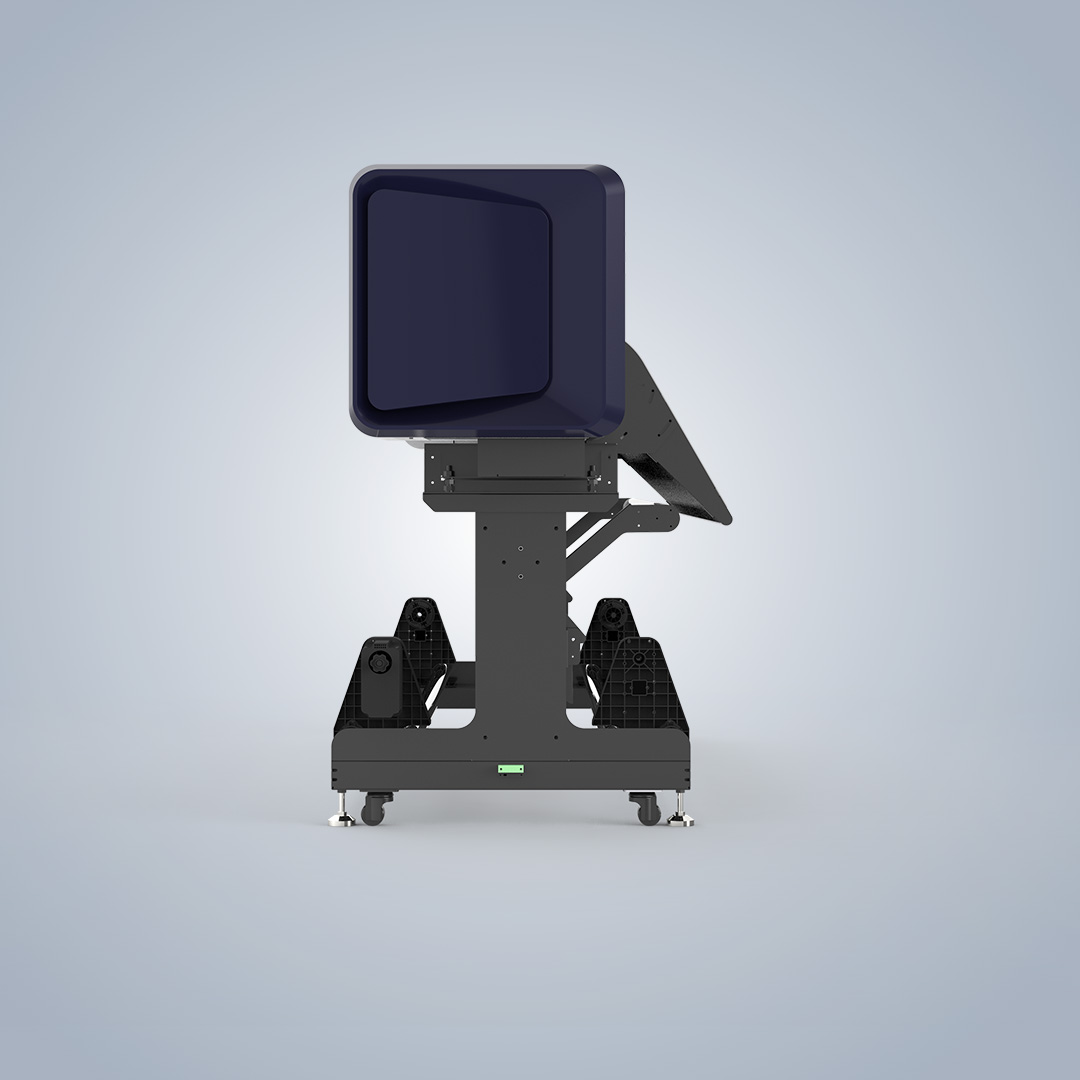
The semi-transparent cover and high-brightness LED lighting allow users to preview lightbox effects during printing. In-process monitoring should compare the preview with image details and output status, helping operators identify visible problems before delivery. The integrated control panel combines lighting, heating, and printing functions, so these functions should be checked as part of routine startup and production monitoring.
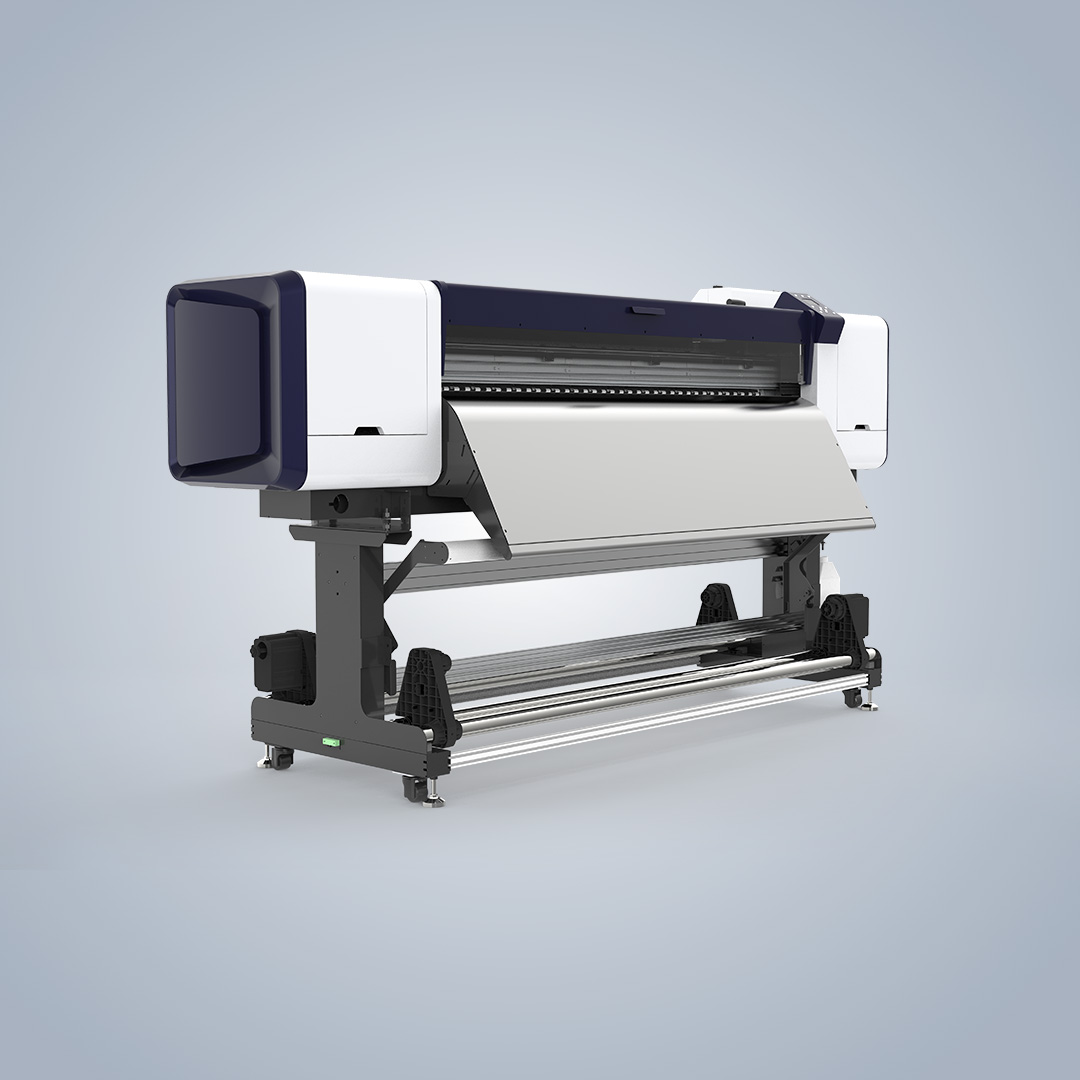
The printer's integrated software calculates ink consumption and supports cost analysis. Reviewing this information after production provides an additional operational check. Unexpected ink usage can be recorded for technical review alongside media-feeding performance, preview results, and output quality.
Nocai states that the product undergoes an aging test and 100% inspection. The available after-sales system includes online support, video calls, remote control, a user manual, installation video, and spare-part change video. These resources support troubleshooting when a recurring check identifies a fault.
The company also lists a CE certification for NC-UV0406 and other specified products, while the ISO certification covers the design and production of digital printers. These records provide relevant manufacturing and quality-system context, although they do not define a maintenance interval for the NC-UV1600.
Data/Solution Comparison
| Maintenance point | Recommended operational focus | Available product support |
|---|---|---|
| Before each production run | Check media feeding, roller pressure adjustment, lighting, heating, and printing controls | Integrated control panel and user manual |
| During printing | Monitor ink-mist risk, media dimensions, image details, lightbox preview, and output status | Semi-transparent cover, LED lighting, and software-controlled roller pressure |
| After each production run | Review ink consumption, output status, and any feeding or image irregularities | Integrated ink-consumption calculation software |
| Recurring technical review | Escalate unresolved equipment issues and review spare-part requirements | Online support, video calls, remote control, and spare-part change video |
Frequently Asked Questions (FAQ)
What should operators check before starting the FLATBED UV PRINTER?
They should verify the media feed rollers, software-controlled pressure adjustment, LED lighting, heating, printing controls, and the general output path. The available product data does not provide a fixed calendar interval, so the user manual should guide the detailed inspection procedure.
How can operators detect problems during a print job?
Operators can monitor media feeding, image details, lightbox effects, output status, and signs of static-induced ink misting. The semi-transparent cover and high-brightness LED lighting support real-time previewing of lightbox effects during printing.
What support is available when maintenance does not resolve a fault?
Nocai lists online support, video calls, remote control, a user manual, an installation video, and a spare-part change video. These resources can be used to investigate equipment issues and guide technical intervention.
Final Conclusion & Recommendations
For the NC-UV1600, a practical downtime-prevention schedule should combine pre-run checks, continuous production monitoring, post-run review, and recurring technical escalation. The checks should focus on media feeding, roller pressure, ink-mist control, lighting, heating, printing functions, image preview, and ink-consumption data. Nocai supports full industrial-chain distribution and direct sales, with a minimum order quantity of one unit, 5-7-day delivery time, and 100% inspection stated for its business model. For detailed technical solutions or support, please reach out via nc05@gznuocai.com.
About Us
Guangzhou Nuocai Digital Products Co., Ltd., also known as Nocai, is a high-tech enterprise focused on digital inkjet printing technology research and development, along with the design, development, manufacturing, sales, and after-sales service of inkjet printers. Its R&D capability includes over 50 professional R&D engineers and designers and five production lines. Its main products are UV printers, UVDTF printers, and rotary printers. The company lists TUV and ISO certifications and has served clients across multiple industries.
CONTACT US


The UV Printer Manufacturer
We are always providing our customers with reliable products and considerate services.
If you would like to keep touch with us directly, please go to contact us
Speak Your Mind