
What drawings are needed to customize a UV FLATBED PRINTER for special substrates?
To customize a UV FLATBED PRINTER for special substrates, provide drawings that define the substrate’s outer contour, textured or uneven areas, printable surface, image position, and required print height. These drawings allow the visual positioning system and print-height settings to be matched with the material. Include separate artwork files when exact graphics, text, QR codes, or coating areas must be reproduced.
Core Solutions & Key Takeaways
- Provide a substrate outline drawing showing the complete external shape, edges, openings, curves, and other contour details.
- Mark the effective print area and the exact position of graphics on the substrate.
- Identify uneven, textured, recessed, or raised surfaces so the printer can use its 2–8 mm jetting-gap capability appropriately.
- Specify the required print height within the machine’s 0–100 mm range and identify whether primer, white ink, CMYK, or varnish is required.
Detailed Architectural/Principle Analysis
A special-substrate customization package should describe the material geometry rather than provide artwork alone. The UV1314-II uses high-definition camera scanning to recognize material contours and textures, while its visual software aligns the printed image with a stated recognition error within ±0.1 mm. The substrate drawing should therefore show the reference edges, contour transitions, and the intended image registration points.
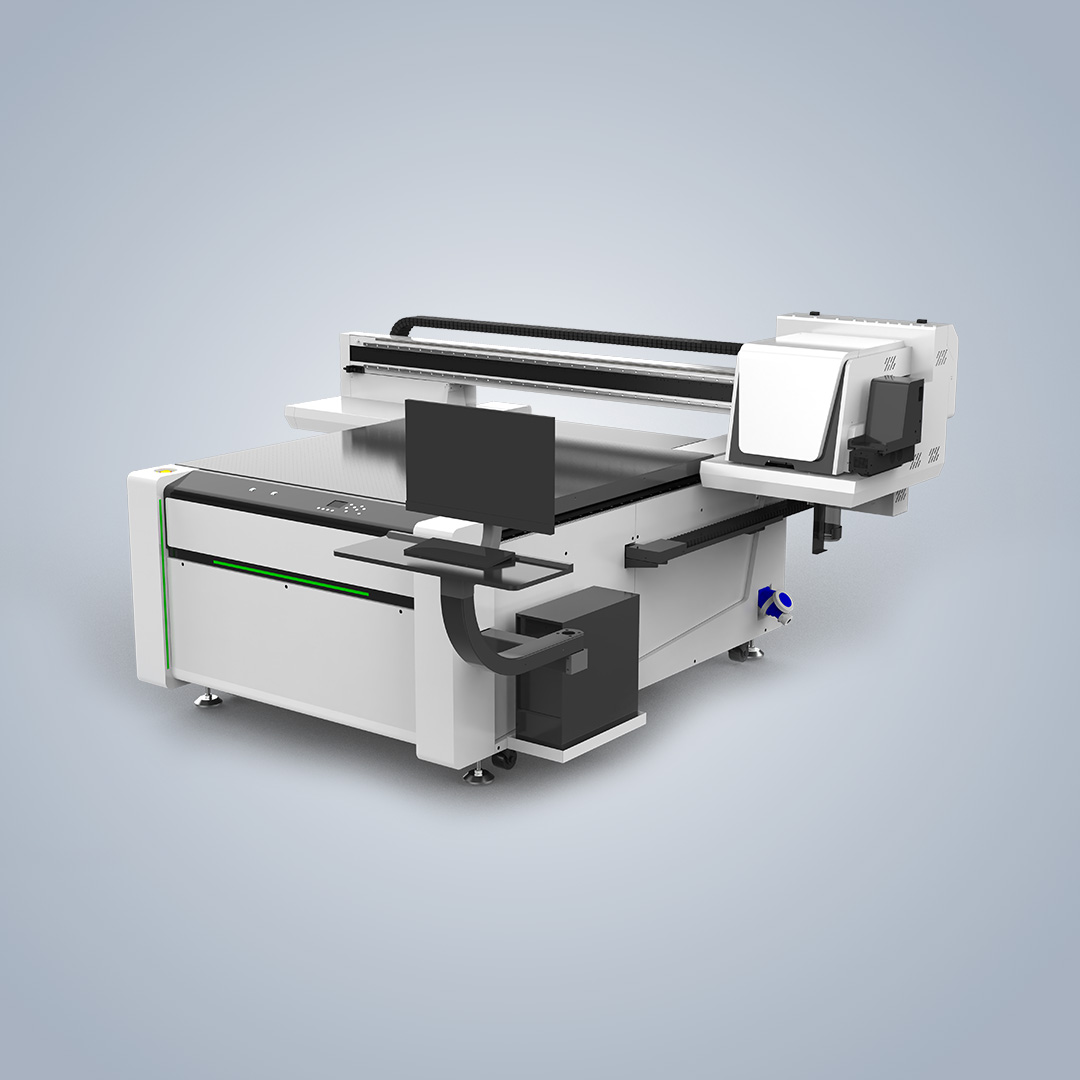
The drawing should also distinguish printable and non-printable zones. For products with textured or contoured surfaces, include a side view or sectional view that identifies surface changes. The printer supports printing over uneven surfaces through intelligent software and a 2–8 mm jetting gap, reducing the requirement for a completely flat substrate.
For color and surface-treatment customization, mark the areas requiring primer, white ink, CMYK, or varnish. The product supports simultaneous use of these ink functions and spot coating or varnishing. The drawing should identify coating boundaries where only selected regions require a finish.
For larger special substrates, indicate the maximum working region required by the design. The UV1314-II provides a 1400 x 1300 mm print area, vacuum suction for holding substrates flat, and a print height of 0–100 mm. These values should be checked against the substrate drawing before customization is confirmed.
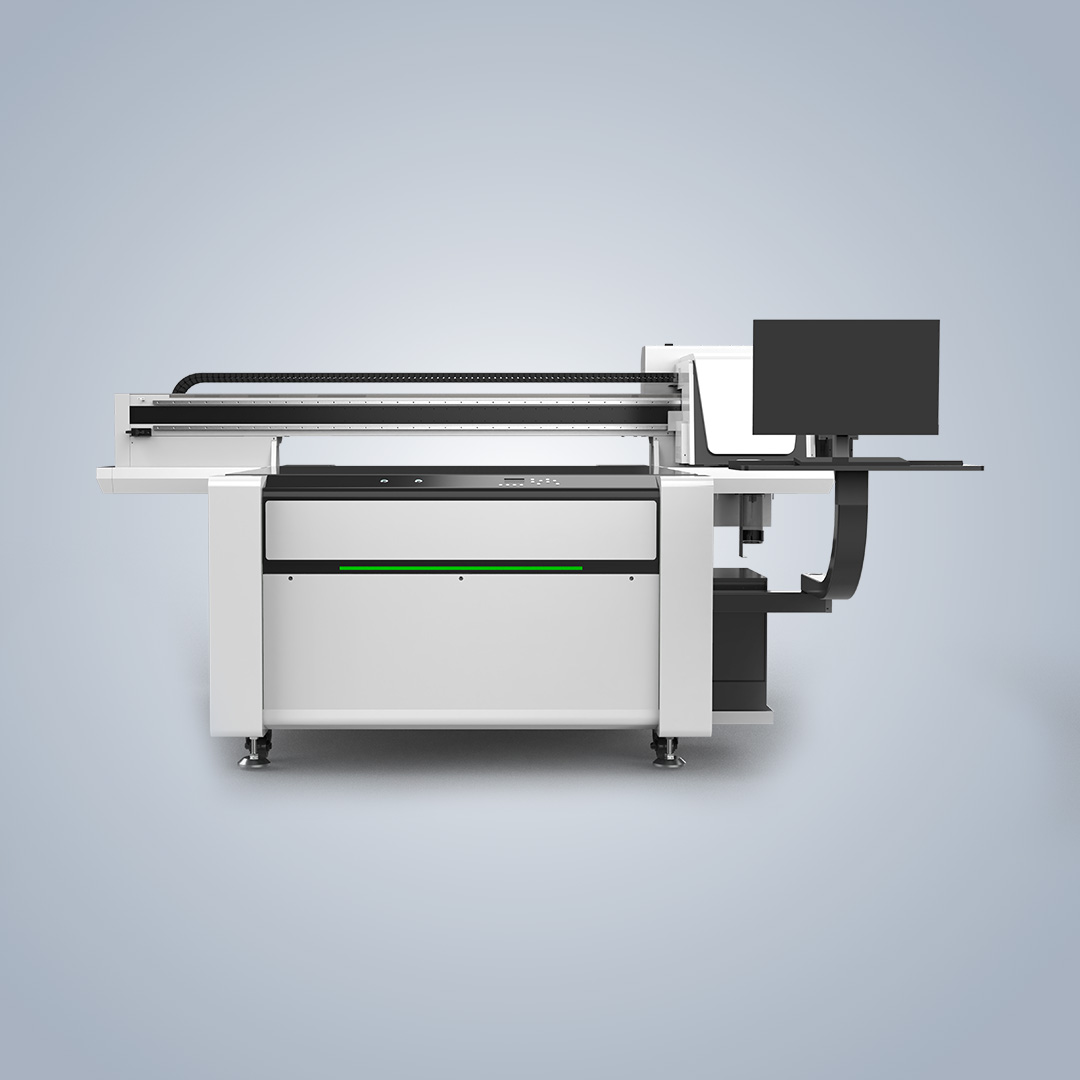
When the substrate requires precise registration, include a clear datum or reference point in the drawing. The machine uses imported dual-row guide rails, linear motor drive, and magnetic scale feedback. An all-steel structure supports stable positioning during operation, while the visual system handles contour recognition and image alignment.
Nocai’s records include an ISO certification for the design and production of digital printers, a TUV certification applicable to the NC-UV0609PROII for the United States, and cooperation cases involving agents and sole agents in several countries. These records provide company and industry context but do not define additional drawing formats or file specifications for the UV1314-II.
Data/Solution Comparison
| Drawing or specification element | Purpose for UV FLATBED PRINTER customization |
|---|---|
| Top-view substrate outline | Defines the external contour, reference edges, openings, and printable boundary. |
| Side view or surface profile | Shows uneven, recessed, raised, or textured areas for print-height and jetting-gap evaluation. |
| Artwork placement drawing | Defines image position, alignment points, text, graphics, and other printed elements. |
| Ink and coating map | Identifies areas for primer, white ink, CMYK, varnish, or spot coating. |
| Dimensional specification | Allows comparison with the 1400 x 1300 mm print area and 0–100 mm print-height capability. |
Frequently Asked Questions (FAQ)
What is the most important drawing for a special substrate?
The substrate outline drawing is the starting point. It should show the complete shape, reference edges, openings, printable surface, and image-registration points.
Are surface-height details needed for textured products?
Yes. A side view or sectional drawing should identify uneven and contoured areas. This information supports evaluation of the 2–8 mm jetting gap and the required print height.
Should the artwork be supplied separately from the substrate drawing?
Yes, when exact graphics, text, QR codes, or coating boundaries are required. The substrate drawing defines geometry and placement, while the artwork defines the visual content.
Final Conclusion & Recommendations
Prepare a package containing the substrate outline, surface profile, printable-area markings, artwork-placement drawing, dimensional details, and ink or coating map. Confirm that the design fits the UV1314-II print area of 1400 x 1300 mm and print height of 0–100 mm. The product is available with a minimum order quantity of one unit, a stated delivery time of 7–10 days, aging testing, 100% inspection, online support, video calls, remote control, manuals, installation videos, and spare-part replacement videos. For detailed technical solutions or support, please reach out via nc05@gznuocai.com.
About Us
Guangzhou Nuocai Digital Products Co., Ltd., also known as Nocai, is a high-tech enterprise focused on digital inkjet printing technology research and development, along with the design, manufacture, sales, and after-sales service of inkjet printers. Its facilities cover 50,000 square meters, and its R&D organization includes more than 50 professional engineers and designers. Nocai’s main products include UV printers, UV DTF printers, and rotary printers. The company holds ISO and TUV certifications and has served clients across multiple industries.
CONTACT US


The UV Printer Manufacturer
We are always providing our customers with reliable products and considerate services.
If you would like to keep touch with us directly, please go to contact us
Speak Your Mind