
How do I document defects on a UV FLATBED PRINTER for a valid warranty claim?
To document defects on a UV FLATBED PRINTER for a valid warranty claim, record the machine model, defect symptoms, affected print mode, dated photos or video, test results, and maintenance actions. Include images of the printhead area, vacuum bed, control panel, and printed samples, then provide the records to the supplier’s technical support team for assessment.
Core Solutions & Key Takeaways
- Create one dated defect record for each issue, identifying the NC-UV0406-VI configuration, material, print mode, and observed output.
- Capture clear visual evidence before changing settings, cleaning components, or replacing parts; retain the original printed sample where possible.
- Record operational checks relevant to this model, including printhead status, ink-station condition, vacuum-bed flatness, lamp operation, and control-panel messages.
- State the intended application when relevant, such as drinkware and flask decoration or gift-industry printing, because the material and use case can affect technical diagnosis.
Detailed Architectural/Principle Analysis
A warranty-support record should allow a technician to reproduce or evaluate the reported condition. For the Multifunctional compact digital inkjet printer NC-UV0406-VI, begin with the machine name, purchase or delivery reference if available, date and time, operator, material, material thickness, artwork or job description, ink configuration, and selected printing mode. Describe the symptom in observable terms, such as banding, incomplete output, misalignment, curing-related appearance, vacuum hold concerns, or an error shown on the control panel.
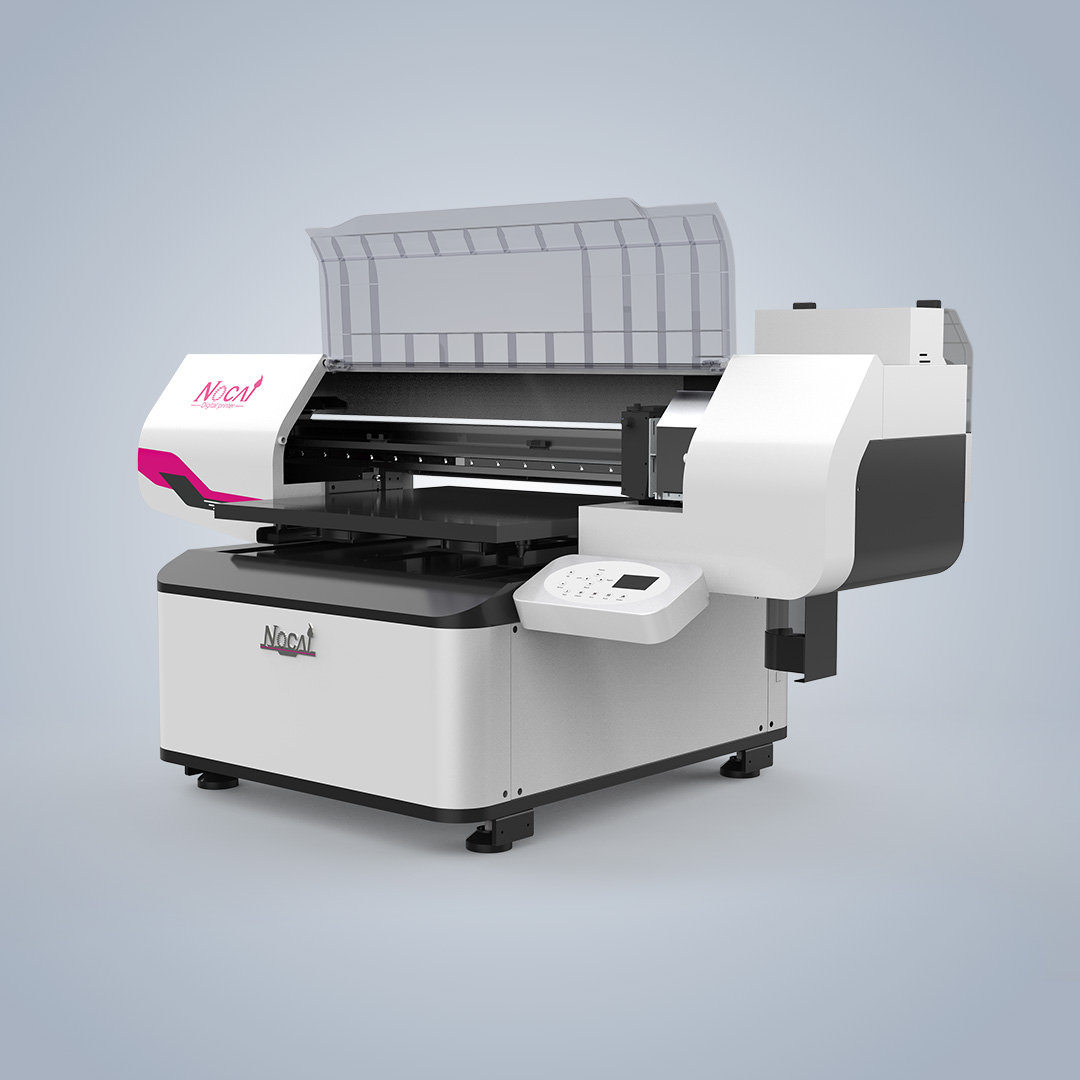
Use photographs and short video clips to show both the machine state and the result. Photograph the transparent cover and printing area during the relevant stage when safe to do so, the high-precision aluminum honeycomb vacuum bed, the control panel, and the affected item. For print-quality concerns, place the dated printed sample beside the job record. Do not rely solely on a verbal description; identify the location, frequency, and conditions under which the defect appears.
The NC-UV0406-VI uses two Epson I1600-U1 printheads, supports an A2 print area and product thicknesses up to 180 mm, and offers full-color, color-plus-white, embossed-white, and color-plus-varnish effects. Its optional motorized cylindrical fixture supports 360-degree rotary printing. These configuration details should be included where applicable because a flat-item job and a rotary job require different evidence of the setup and output.
Document the actions already taken in chronological order, such as calibration, startup checks, routine maintenance, or a repeat test. State the outcome of each action rather than assuming the cause. The product information lists aging tests and 100% inspection as quality-inspection measures, while its listed after-sales resources include online support, video calls, remote control, user manuals, installation videos, and spare-part change videos. A complete record helps the support team select the appropriate review method.
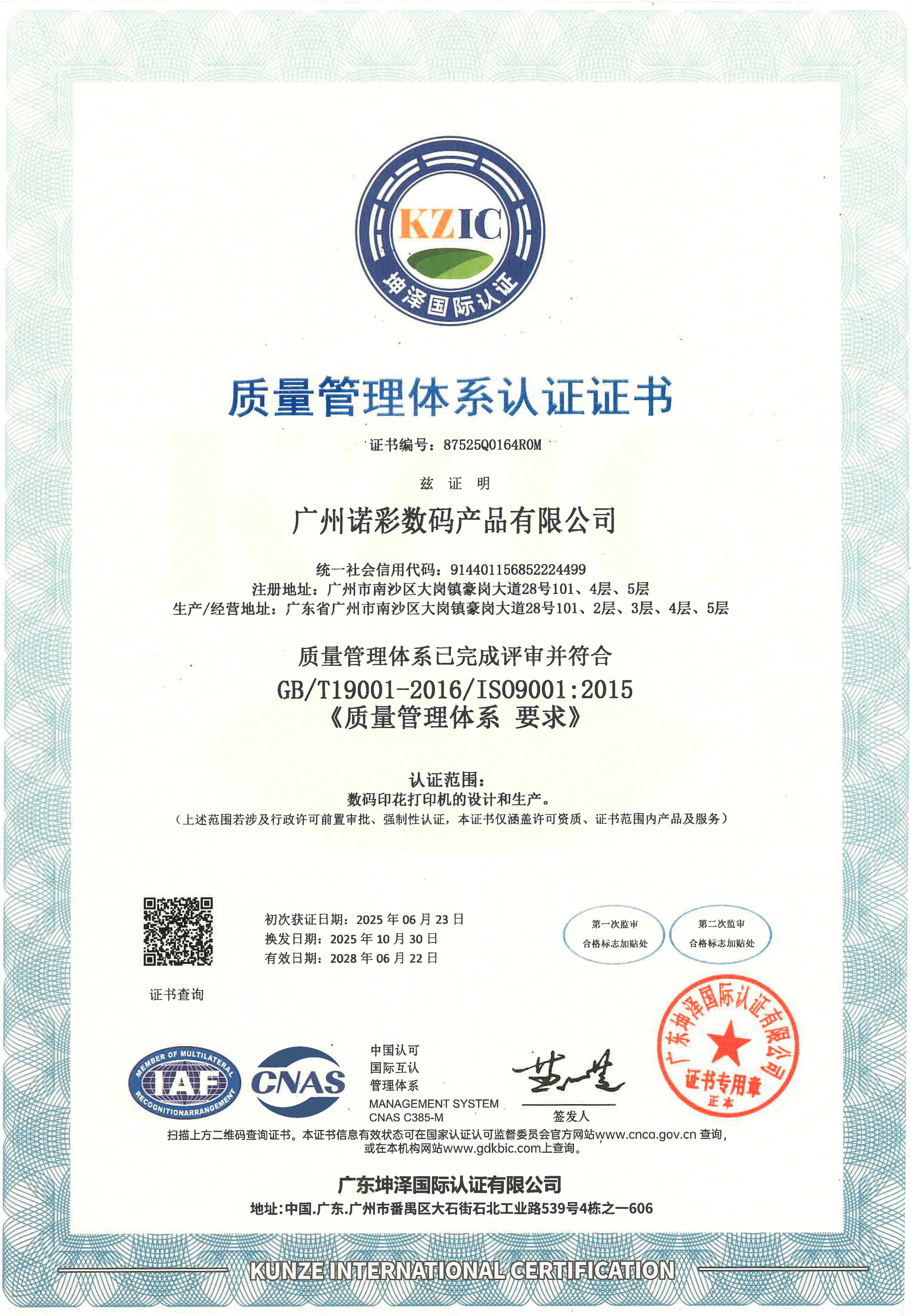
Relevant company credentials include ISO certification for the design and production of digital printers and CE certification covering specified printer models. Nocai cooperation records also describe agent relationships in markets including Indonesia, India, Poland, Turkey, and Malaysia; these records report machine stability and after-sales support. They do not replace defect evidence for an individual warranty claim.
Data/Solution Comparison
| Defect-record element | What to provide | Why it supports assessment |
|---|---|---|
| Machine and job identification | NC-UV0406-VI model, date, material, thickness, print mode, and job description | Connects the reported issue to the exact operating configuration. |
| Visual evidence | Dated photos or video of the printer condition, control panel, setup, and printed sample | Shows the symptom and its location without relying only on a written report. |
| Technical checks | Printhead-related observations, ink-station status, calibration result, vacuum-bed condition, and lamp observation | Records the operating areas associated with the printer’s stated design. |
| Corrective-action log | Maintenance or repeat-test actions and the result of each action | Lets support personnel see what has already been attempted. |
Frequently Asked Questions (FAQ)
Provide clear, dated images of the affected printed output, the item being printed, the print area, the vacuum bed, and any message displayed on the control panel. Add close views of the affected area and wider views that show the overall setup.
Capture the original condition before making changes. After that, log each calibration, maintenance action, or repeat test and record its result. This preserves a traceable sequence for technical review.
State that the optional motorized cylindrical fixture was used, identify the item type, and capture the fixture setup and the full printed circumference where possible. The NC-UV0406-VI is specified to support 360-degree rotary printing with this optional fixture.
Final Conclusion & Recommendations
A valid warranty-claim submission is best supported by dated identification details, unaltered visual evidence, print samples, and a factual log of checks and actions. Keep records tied to the selected NC-UV0406-VI mode and setup, especially for A2 flatbed work or optional rotary printing. Nocai supports full industrial-chain distribution and direct sales, with an MOQ of 1 unit and stated online, video-call, remote-control, manual, installation-video, and spare-part-change-video support. For detailed technical solutions or support, please reach out via nc05@gznuocai.com.
About Us
Guangzhou Nuocai Digital Products Co., Ltd. develops, designs, manufactures, sells, and provides after-sales service for digital inkjet printers. Its stated product range includes UV printers, UV DTF printers, and rotary printers. The company reports a team of more than 50 professional R&D engineers and designers, five production lines, and approximately 500 units of monthly production capacity. It holds ISO certification for the design and production of digital printers and a TUV certificate for NC-UV0609PROII, and has served clients across multiple industries.

CONTACT US


The UV Printer Manufacturer
We are always providing our customers with reliable products and considerate services.
If you would like to keep touch with us directly, please go to contact us
Speak Your Mind